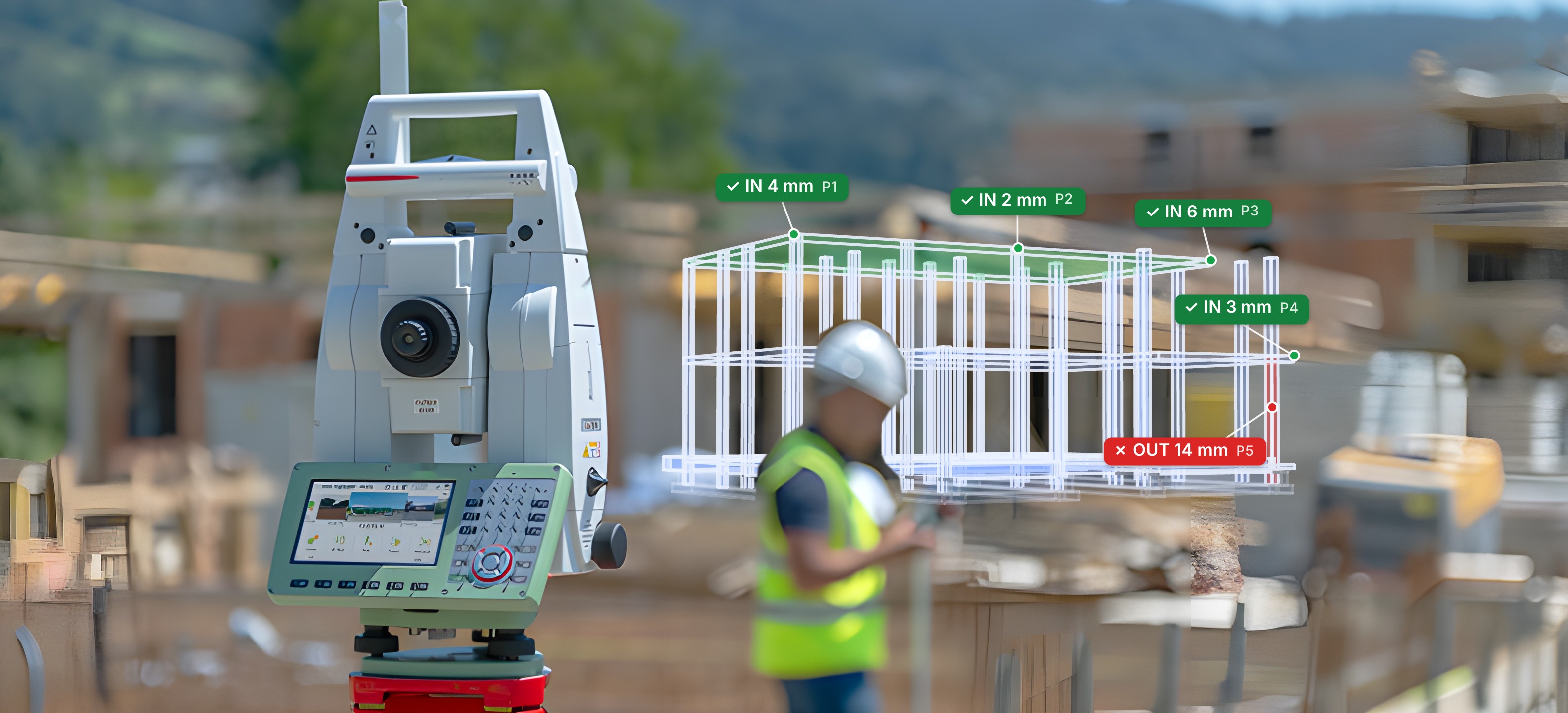
The integrated civil engineering ecosystem
Take it off the drawing.
Check it on site.
Quantities, markups, IFC models, QA inspections and as-built surveys, connected in one project. From the estimate in the office to the total station on site.
Try it right here.
The real app, in the page. Drop in a PDF or an IFC model. 3 free runs without an account.
Loading USEQUANTR…
Everything between the tender
and the handover pack.
One ecosystem, not six apps. Every tool works on the same drawings and models, so nothing is exported, imported or typed twice.
Quantities
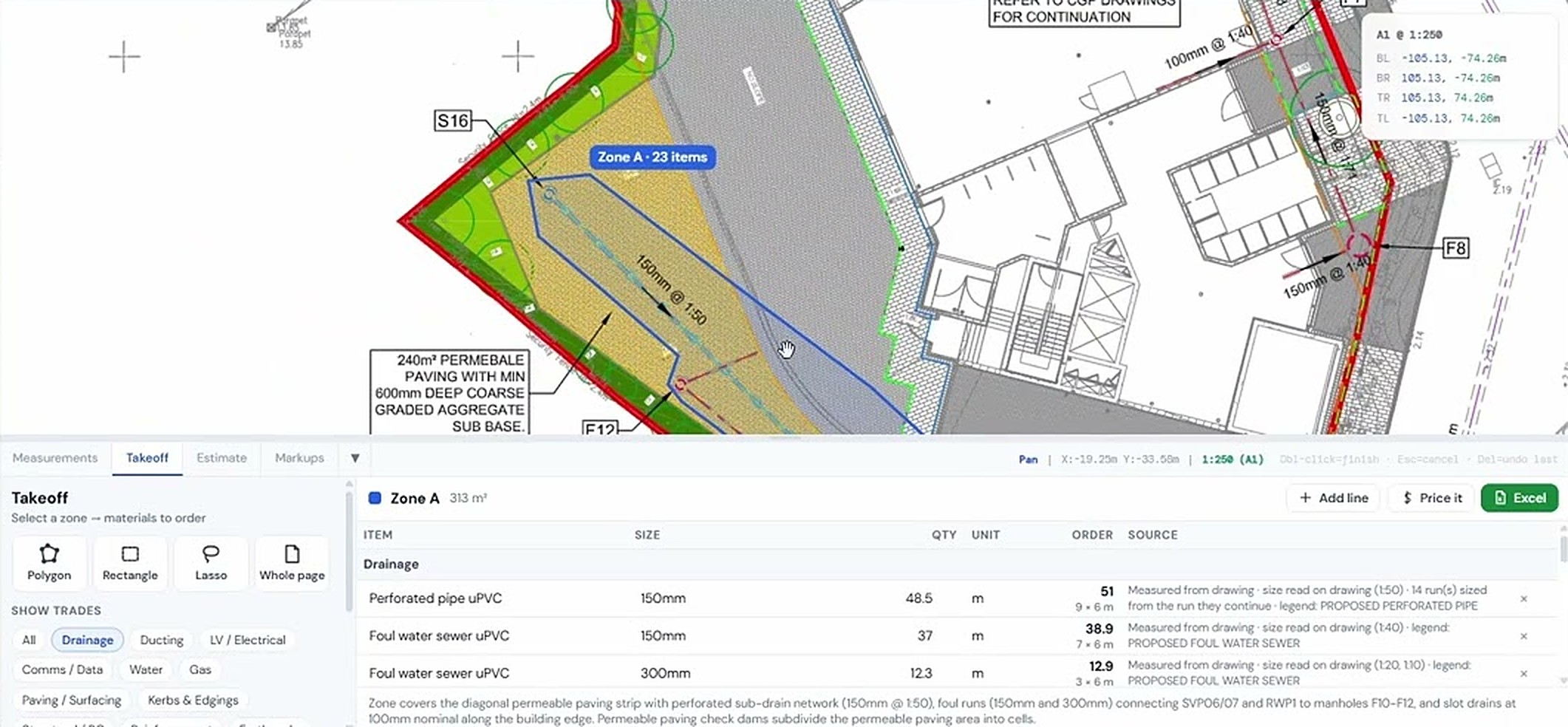
Draw a zone on the drainage layout. Runs measured by type and size, chambers and gullies counted, everything marked so you can check it.
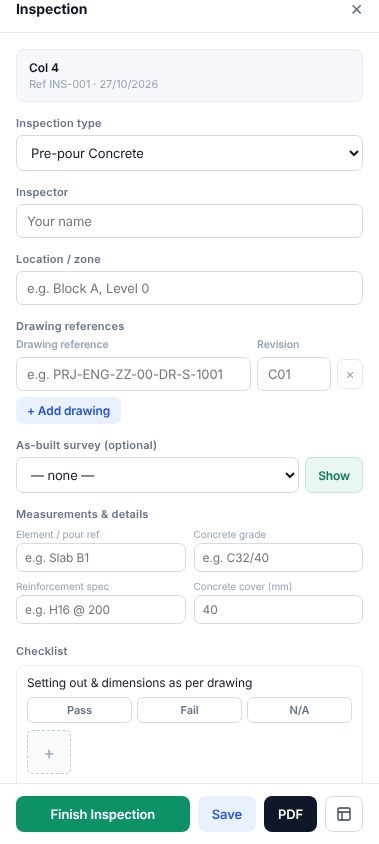
QA inspections
Your checksheets on site, photos attached, branded PDF out.
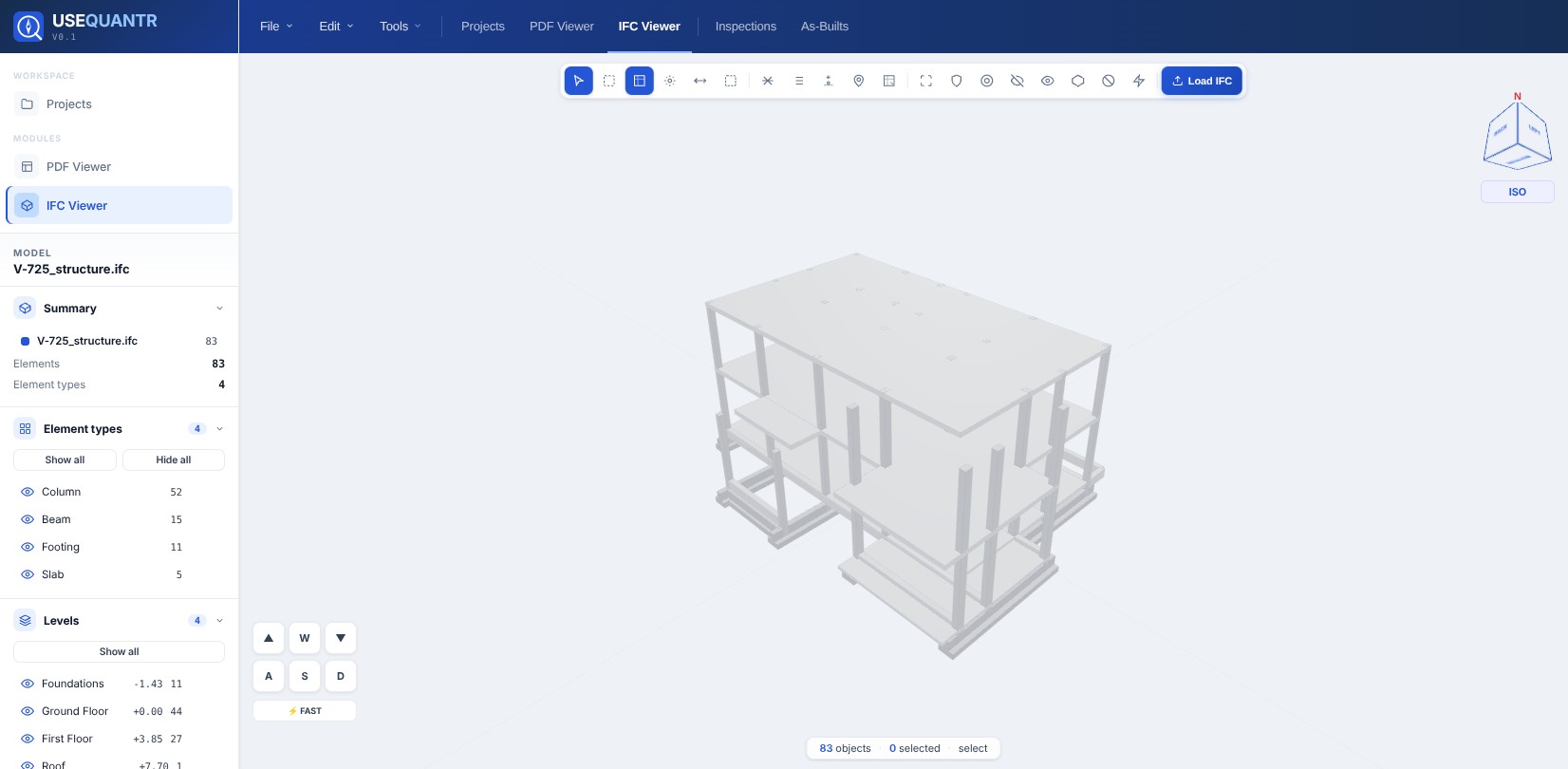
IFC viewer
Levels, coordinates, volumes and select similar on any model.
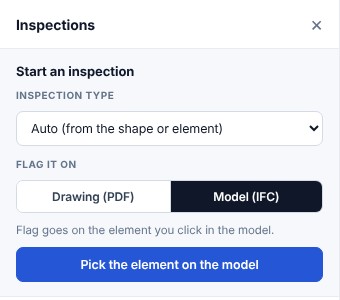
Flag it on the PDF or the model
Pick the inspection type, then a shape or an element.
Exports that are ready to send
Formatted schedules and reports, not raw data to tidy up.
Markups and measurements
Call-outs, clouds and stamps, plus length, area, count, angle and volume on the calibrated PDF.

See it in action.
Short videos, each one a real job from start to finish.
IFC AR survey
AR as-built survey on an IFC model.
Drainage QA from IFC
Drainage QA inspection.
Using the takeoff tool to count materials from a PDF drawing
Select a zone and get the materials counted and measured from the drawing.
Using measurements on a PDF drawing
Calibrate the scale and measure lengths, areas and counts on any PDF.
Measurement tools in the IFC viewer
Point ID, 3D distance, areas and volumes for concrete, excavation and fill, measured straight on the model.
QA inspection against a PDF drawing
Run a QA inspection on site against the drawing and produce the report.
PDF Markups
Create text markups and call-outs.
Up and running before your next brew.
Open a drawing or model
Drag in a PDF or IFC. Nothing to install, no account for your first measurements.
Measure, mark up, inspect
Quantities, call-outs, levels, QA. All on the same files, saved to the project.
Send the result
Excel schedule to the QS, PDF report to the client. Same day.
Questions
Who is it for?
Quantity surveyors, estimators, civil engineers and QA managers in civils, groundworks, utilities and building. Anyone who works from drawings and models.
Do I need to install anything?
No. Everything runs in your browser. There is also a free desktop app for Windows if you prefer it.
What drawings does it work on?
Markups and measurements work on any PDF, scans included. Automatic quantities need vector PDFs, the ones exported from CAD. Models open as IFC.
Are my drawings private?
Your files open in your browser. When you run automatic quantities, the drawing images are sent securely to our AI provider to be read and are not used to train AI models.
How does the free trial work?
You get 14 days with everything included. Add a card at sign-up and you won't be charged until the trial ends. Cancel any time from your account before then and you pay nothing.
Can I cancel any time?
Yes. Monthly plans stop at the end of the month you're in, and there are no contracts.
One plan.
Everything in it.
No per-tool add-ons. Try all of it for 14 days. Teams and enterprise: support@usequantr.com.
First 10 companies: 50% off the first year with FOUNDING50.
Get the desktop app for Windows · free